A spreadsheet maintained by IT staff may appear to document all company passwords, yet it reflects only credentials that employees have explicitly reported. Passwords that have been rotated, newly created, or distributed to colleagues remain invisible until someone manually updates the record—if that ever happens. Meanwhile, work credentials scatter across multiple unsecured locations as employees prioritize speed over policy.
Passwords end up stored in browser vaults, shared via chat messages, kept in personal password managers, or written on physical notes. Unless an employee proactively reports these actions, the official spreadsheet stays out of sync with reality.
Why credentials escape administrative oversight
Convenience drives the behavior. When the formal process feels cumbersome or unclear, employees default to whatever tool is closest at hand: a browser's password storage, a shared document, a Slack channel, or a desk notepad. They may understand the policy violation, but completing their work takes precedence in the moment.
A system that depends on employees to manually log every password creation, change, and share is inherently fragile. If the official channel feels like friction rather than the simplest path to access, people will circumvent it.
This convenience-first mindset extends to password construction itself. Verizon's 2025 Data Breach Investigations Report determined that only 49% of passwords across different services were unique in the median case—meaning more than half were reused. NordPass's "TOP 20 Not-So-Secret Business Passwords" report identified "123456" as the most common password in corporate environments, illustrating how people gravitate toward weak, easy-to-remember credentials.
Without visibility into actual password practices, an organization may not realize that critical systems are protected by "123456" or similarly weak passphrases. Solving this requires an approach that serves both employee workflow and administrative control. Without one, credentials remain scattered and unmanageable, amplifying the risks created by these visibility gaps.
The security consequences of poor credential visibility
When admins cannot see where work credentials reside, they cannot determine who uses them, who they have been shared with, or whether they have been changed. They also cannot evaluate password strength or detect reuse across multiple accounts.
Verizon's report found that only 3% of compromised passwords in its dataset met basic complexity requirements. While this figure does not represent every password in an organization, it underscores why teams need mechanisms to identify weak credentials within their managed systems. Password reuse amplifies this risk: if a credential is exposed in a breach, using it across multiple services puts all those accounts in jeopardy.
Credentials remain a primary attack vector for unauthorized access. The 2026 edition of Verizon's Data Breach Investigations Report identified credential abuse as the initial access vector in 13% of breaches. Vulnerability exploitation accounted for 31% of breaches, highlighting the need for credential protection as part of a comprehensive security strategy.
Storing passwords in a spreadsheet introduces additional risk. Ransomware operators who establish network access often search specifically for files containing credentials. Ransomware groups such as Pysa have deployed automated tools to scan storage for filenames and directories with terms like "password," "login," "pwd," and "passwd." If attackers locate such a spreadsheet, they may encrypt it for ransom or extract the credentials to pivot to other accounts and systems, potentially escalating the breach.
Building a credential management framework
Protecting company accounts requires admins to answer specific questions about each password: Is it strong? Who owns it? Where is it stored? Who has access? Is it reused, outdated, or exposed in a known breach? Each factor introduces potential risk. A strong password that is reused across multiple accounts can still be exploited if exposed; a recently changed password does not guarantee that appropriate people retain access.
Evaluating these factors helps admins prioritize remediation. A centralized password manager can streamline this process by providing a single repository for work credentials. Such solutions typically offer encryption—for instance, XChaCha20 with zero-knowledge architecture, preventing even the service provider from accessing stored data.
Modern password managers include diagnostic tools to assess vault health. Features such as data breach scanning and password health checks can quickly surface weak, reused, outdated, or exposed credentials. Administrators can enforce password requirements across the organization, while users can share credentials through secure channels. Sharing visibility features display who has access to multi-person credentials, and activity logs track all password-related actions.
This approach enables admins to detect credential issues early, determine remediation priorities, and verify changes afterward to maintain security posture.
Limitations of password management tools alone
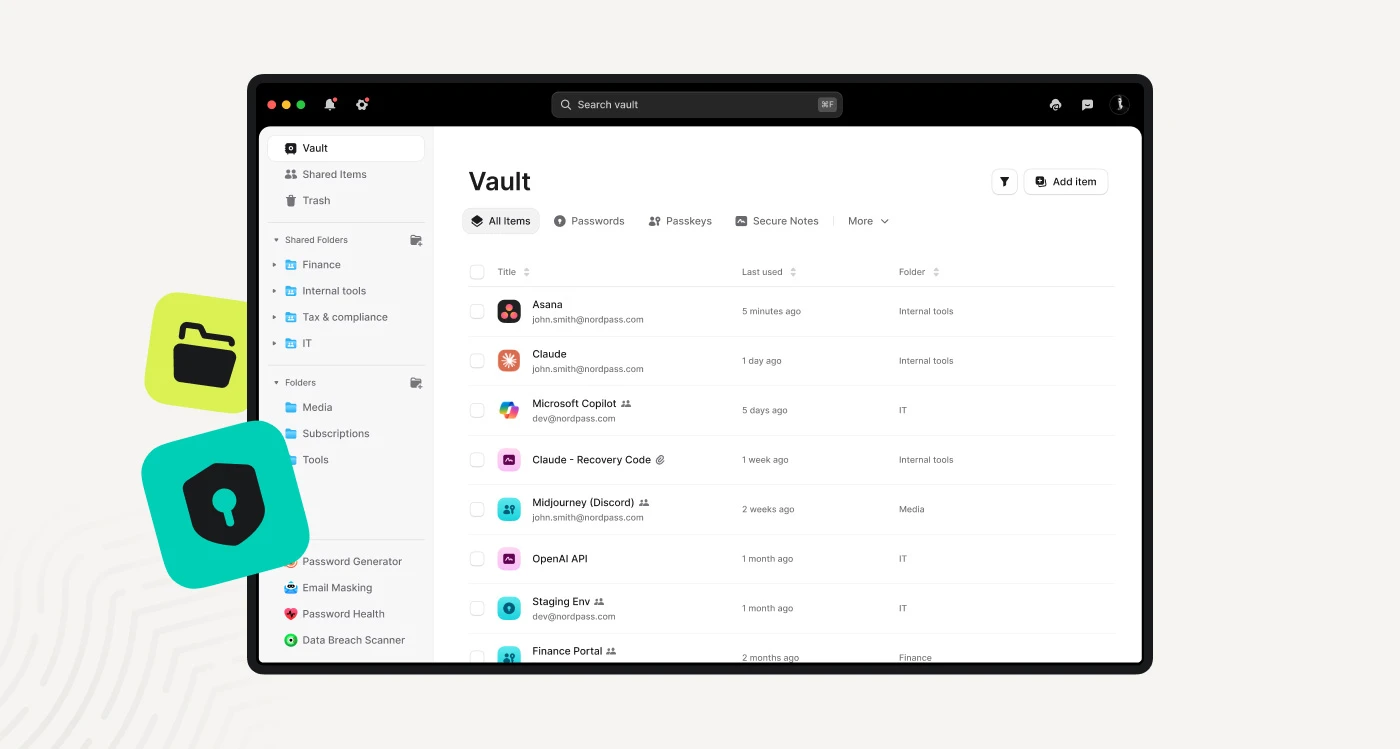
A password manager addresses visibility but does not eliminate all credential risks independently. Some employees may continue storing passwords in browsers or personal vaults; successful adoption depends on making the approved solution convenient and establishing clear policies about credential handling.
Shared accounts require clearer ownership structures. IT teams should define who is responsible for each login, who requires access, and when access should be revoked.
Not all credentials are passwords. API keys, recovery codes, certificates, and other secrets may require separate storage, access control, and ownership frameworks. A password health report should not be mistaken for a complete inventory of all methods employees use to access company resources.
Moving beyond manual credential tracking
A manually maintained spreadsheet or document cannot deliver reliable visibility into company credentials. A dedicated business password manager provides a secure vault for work logins, displays password health metrics, simplifies the enforcement of password policies, enables secure credential sharing, and maintains activity records.
Transitioning from spreadsheets to a purpose-built password management solution closes the visibility gap and strengthens the foundation of credential security across the organization.