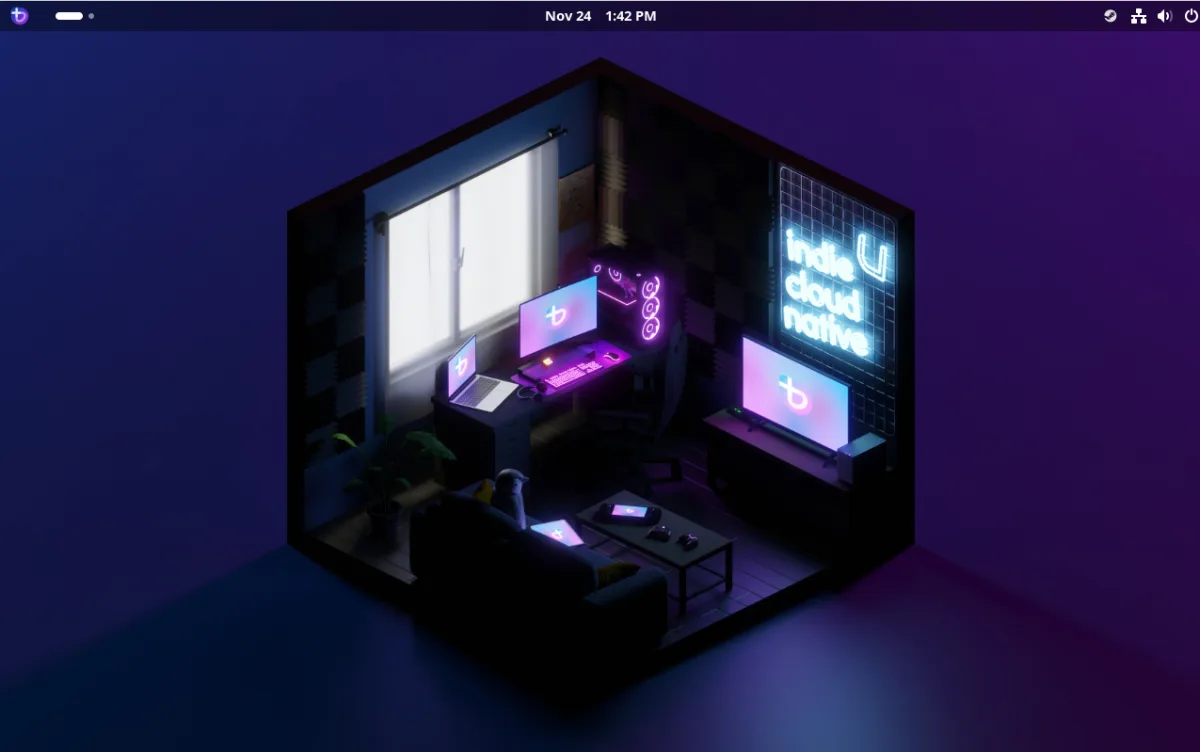
For those interested in gaming on Linux without waiting for dedicated hardware, Bazzite stands out as a purpose-built option. The distribution arrives with gaming infrastructure already in place, alongside solid general-purpose computing features.
Linux gaming has gained momentum with announcements around the Steam Machine, an Arch Linux-based compact gaming system. However, enthusiasts need not delay—several distributions have emerged specifically designed around gaming workflows. Bazzite represents one such effort.
According to official materials, "Bazzite makes gaming and everyday use smoother and simpler across desktop PCs, handhelds, tablets, and home theater PCs." The distribution distinguishes itself through several key additions to a standard Linux setup.
Bazzite's feature set includes pre-installed gaming platforms and tools alongside system-level enhancements:
- Steam, Proton, Proton+, Lutris, and Protontricks come pre-installed
- HDR and VRR support built in
- Optimized CPU schedulers for improved performance
- Community-developed tools tailored to gaming workflows
- Compatibility with Xbox, Wii, Switch, PS3/4/5, and other gaming controllers
- Latest NVIDIA drivers and Mesa drivers for AMD and Intel graphics
- Extended Wi-Fi and display hardware support
- Waydroid for running Android applications
- Homebrew package manager included
The distribution runs on desktops, laptops, handhelds, and tablets. Since Bazzite integrates Steam, users retain access to their complete Steam library across all supported devices.
Built on Fedora Kinoite, Bazzite offers either KDE Plasma or GNOME as its desktop environment. As an image-based, immutable operating system, it provides straightforward rollback capabilities if updates cause issues. The core system runs in read-only mode, enhancing security by preventing unauthorized modifications to essential files.
Gaming Performance
Testing Bazzite's gaming credentials revealed strong results. Launching Steam required no installation steps—simply opening the application, authenticating, and selecting a game from the library. Albion Online, used as a test case, launched within approximately five minutes of starting the process, including download time.
While Steam on personal computers requires more setup than dedicated consoles—game downloads, storage allocation, and similar tasks—Bazzite's implementation proved notably smooth. Once gameplay began, performance matched console-level stability. Graphics rendering appeared sharp, audio performed well, and frame rates remained consistent. Game performance ultimately depends on both the specific title and available hardware, though load times occasionally stretched longer than expected.

Lutris offers an alternative gaming pathway on Bazzite, though it requires downloading games from GOG, which typically involves purchase costs. This approach provides additional flexibility for users with existing GOG libraries.
Beyond Gaming Applications
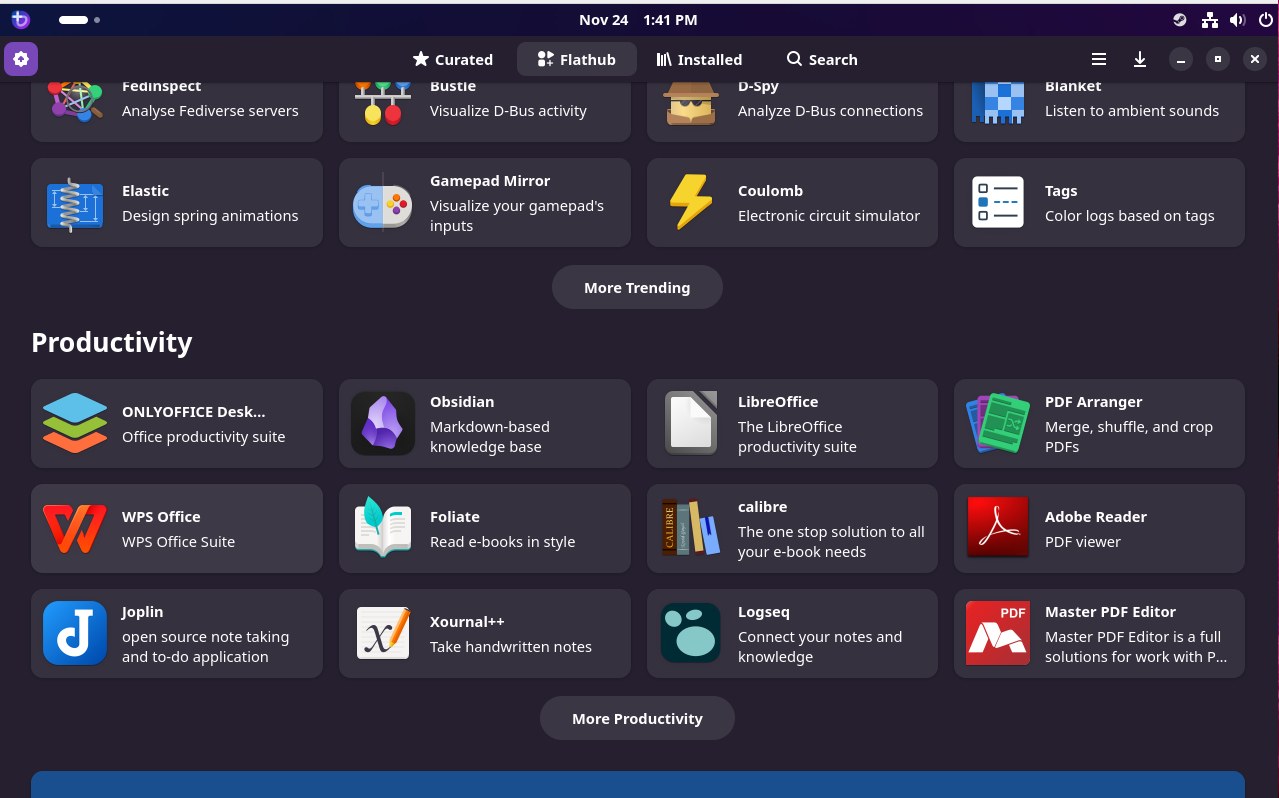
Despite its gaming focus, Bazzite functions effectively for non-gaming tasks. While the base installation includes minimal productivity software, Flatpak integration and the Bazaar app store provide access to extensive application catalogs. Installing office suites, development environments, web browsers, and other tools requires only a few clicks.
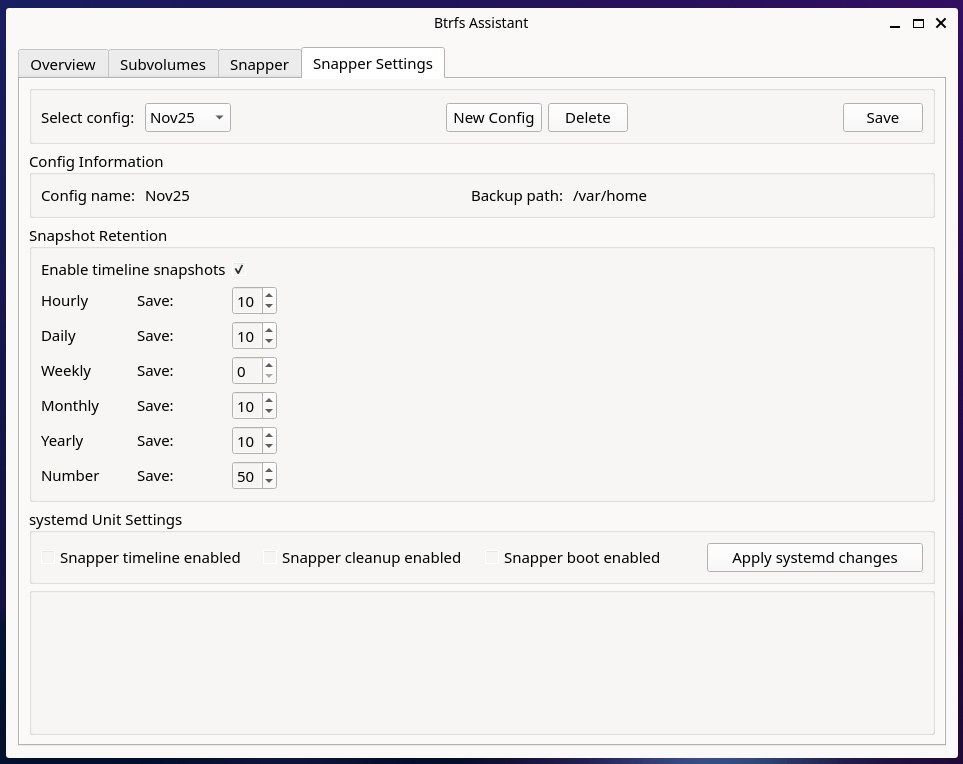
The distribution proved reliable for both productivity and creative work. Btrfs Assistant, included by default, enables management of Btrfs snapshots used for system recovery. Though the tool presents a modest learning curve, users quickly become proficient at creating and managing snapshots.
Containerized Linux Environments
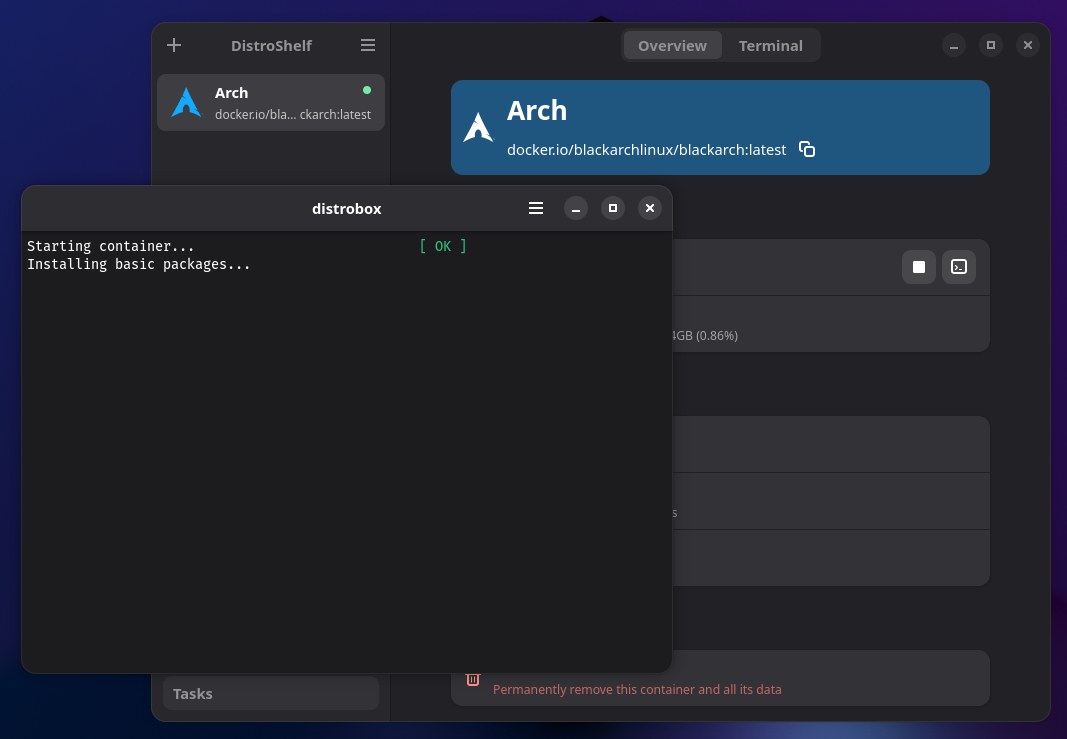
Distroshelf, another bundled application, streamlines deployment of containerized Linux distributions. The tool functions similarly to GNOME Boxes, allowing rapid provisioning of virtual machines from base images. While initial setup requires downloading substantial files, the process remains straightforward once downloads complete.
Bazzite emerges as a dependable and engaging distribution suitable for gaming and general computing. Prospective users should consider downloading an ISO image and testing it either as a virtual machine or on spare hardware to evaluate its suitability for their needs.