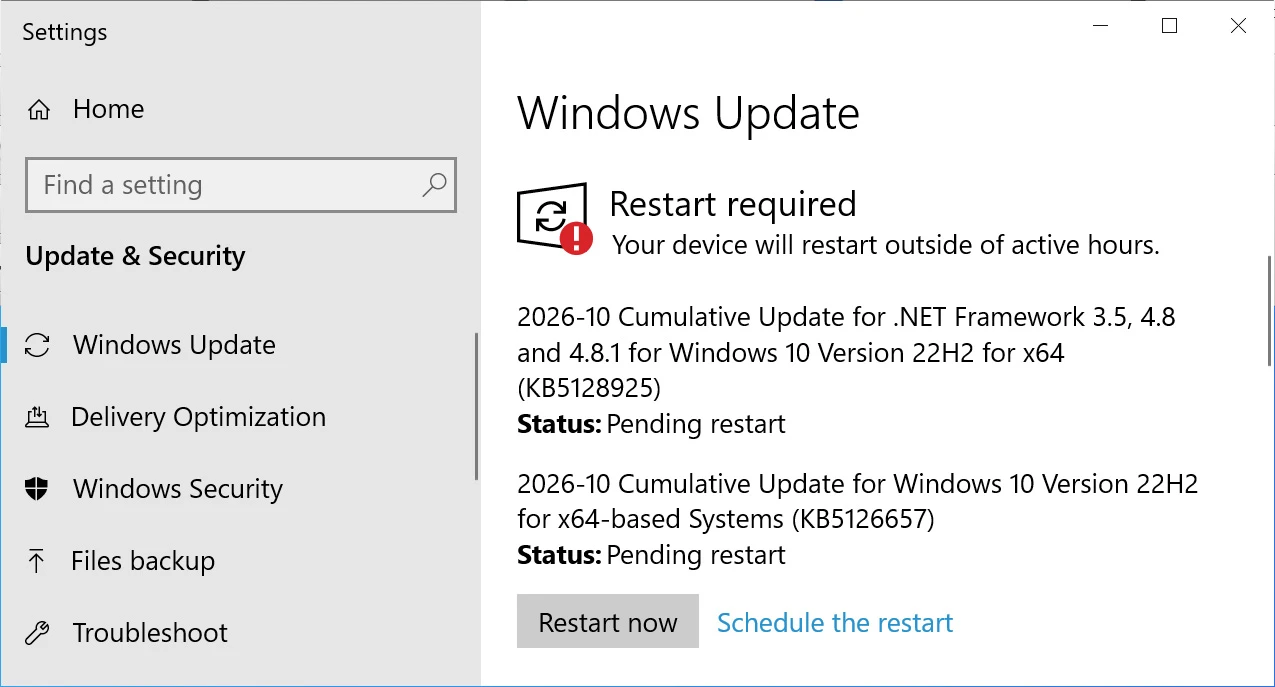
The November 2026 extended security update for Windows 10, designated KB5131096, is now available to users running Windows 10 Enterprise LTSC or participating in the Extended Security Updates program. Installation follows the standard path: navigate to Settings, select Windows Update, and trigger a manual check for available updates.
Upon successful installation, standard Windows 10 systems will advance to build 19045.7846, while Windows 10 Enterprise LTSC 2021 installations will move to build 19044.7846.

What's new in Windows 10 KB5131096
Since Microsoft has ceased releasing new functionality for Windows 10, KB5131096 concentrates on security patches and bug remediation. The update incorporates fixes from November 2026 Patch Tuesday, which resolved 1,235 vulnerabilities spanning Microsoft's product portfolio, including one actively exploited Outlook zero-day vulnerability.
The following fixes and modifications are included in KB5131096:
- Date and Time: Daylight saving time rules for Cuba have been adjusted for the extended 2026-2027 DST period. Cuba will remain on UTC-04:00 and will not observe the November 2026 and March 2027 transitions, returning to UTC-05:00 in November 2027 and resuming its standard seasonal schedule beginning in 2028.
- Printing: Resolved an issue where adding a printer published in Active Directory via Settings > Bluetooth & devices > Printers & scanners > Add device could fail with error 87, "The parameter is incorrect." The October 2026 update introduced this problem, though it does not typically impact existing printers or printing operations.
- Remote Desktop: Fixed a configuration issue where the "Specify thumbprints of certificates representing trusted .rdp publishers" policy could not be properly configured through Microsoft Intune. Additionally, Remote Desktop shadow connections that were failing with an "Unspecified error" on Windows Server 2016 and Windows Server 2012 R2 following the October 14, 2026 update have been corrected.
- Windows PowerShell: Enhanced security measures for PowerShell script signing and signature verification now enforce stricter encoding validation. Scripts with invalid UTF-8 encoding may fail signature validation even if previously accepted. Resolution requires reviewing affected scripts, saving them with valid UTF-8 encoding and a byte order mark (BOM), and re-signing them.
USB Audio Device Issues Resolved
Microsoft indicates that all identified issues affecting USB Audio Class 1.0 devices that were introduced by September 2026 Windows security updates have now been resolved. These problems had caused certain devices to cease audio output, fail to initialize with Code 10 errors, or exhibit unresponsive volume controls and sound settings.
An emergency out-of-band update released on September 14 addressed audio issues specific to 8-channel and 3D audio modes. The remaining audio-related problems have been corrected in the current Windows 10 update.