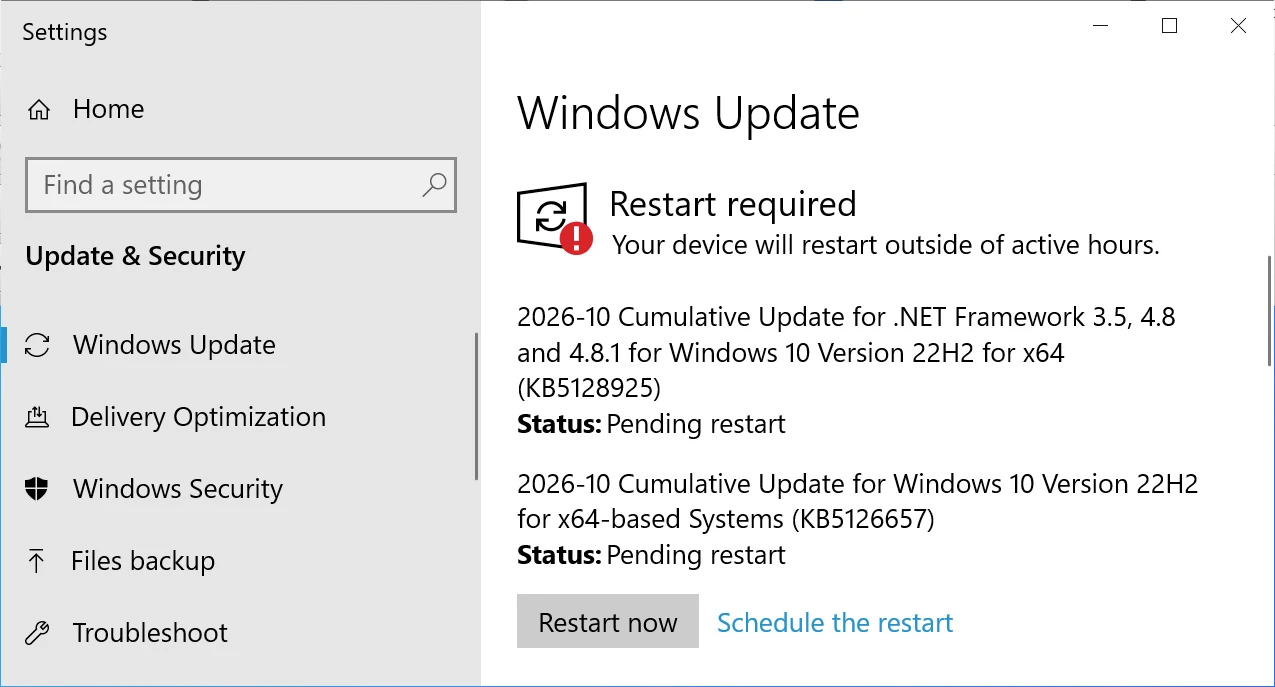
Microsoft has released KB5126657, an extended security update for Windows 10 that incorporates October 2026 Patch Tuesday fixes alongside several bug corrections and system adjustments. Users running Windows 10 Enterprise LTSC or participating in the Extended Support Updates program can obtain the update through Settings by navigating to Windows Update and selecting 'Check for Updates.'
Installation of this update will advance Windows 10 to build 19045.7807, while Windows 10 Enterprise LTSC 2021 systems will move to build 19044.7807.
What's new in Windows 10 KB5126657
Since Microsoft ceased releasing new functionality for Windows 10, KB5126657 focuses exclusively on security patches and maintenance corrections. The update incorporates fixes from October 2026 Patch Tuesday, which addressed a record 1,411 vulnerabilities across Microsoft's product portfolio, including one zero-day vulnerability already under active exploitation.
The following improvements and modifications are included in KB5126657:
- Time and Date: Permanent Daylight Savings Time support for British Columbia and Alberta begins in November 2026.
- Time and Date: A new time zone designation, Manitoba Standard Time "(UTC-5:00) Manitoba", has been introduced.
- ReFS security: Auditing and optional policy controls for ReFS volumes on externally connected storage are now available. Auditing activates by default, while enforcement controls remain off by default to allow administrators preparation time before future hardening measures take effect. Additional details are available in KB5130741.
- Storage Spaces: Resolves a condition where certain Storage Spaces Direct virtual disks could remain offline following a Windows update. The problem stems from valid tiered storage metadata being misidentified as corrupted during recovery, blocking affected virtual disks and dependent services from resuming operation.
- File History (known issue): Corrects a problem where File History could fail when backing up or retrieving files to an external drive or network share. Impacted systems might display a "Reconnect your drive" notification despite having a compatible backup drive properly connected and operational.
- Secure Boot: Continues rollout of refreshed Secure Boot certificates using advanced targeting methodology to pinpoint eligible devices prepared for automatic certificate deployment. The rollout via Windows Update continues across qualifying systems.
Known issues persist with audio devices
A known issue affecting certain USB Audio Class 1.0 devices has emerged following installation of September 2026 Windows security updates. Impacted devices may fail to initialize with a Code 10 error visible in Device Manager, produce no audio output, or show unresponsive volume and sound settings controls. In some cases, devices function normally in standard stereo operation but fail when attempting 8-channel or 3D audio modes.
Microsoft released an emergency out-of-band update on September 14 that partially addressed the issue by resolving problems with 8-channel and 3D audio configurations. However, additional audio-related problems remain unresolved, and Microsoft indicates it is developing further corrections.