Amazon Web Services built its foundation on core infrastructure primitives—Amazon S3, Amazon EC2, and Amazon SQS—enabling anyone with an idea to begin building. Over time, as large enterprises and government agencies scaled on AWS, the platform expanded to include features addressing global deployment, security, networking, governance, and cost management across diverse operational contexts. That breadth and depth remains critical for those customers, yet it creates friction for developers launching new projects who face configuration overhead before they can write their first line of code.
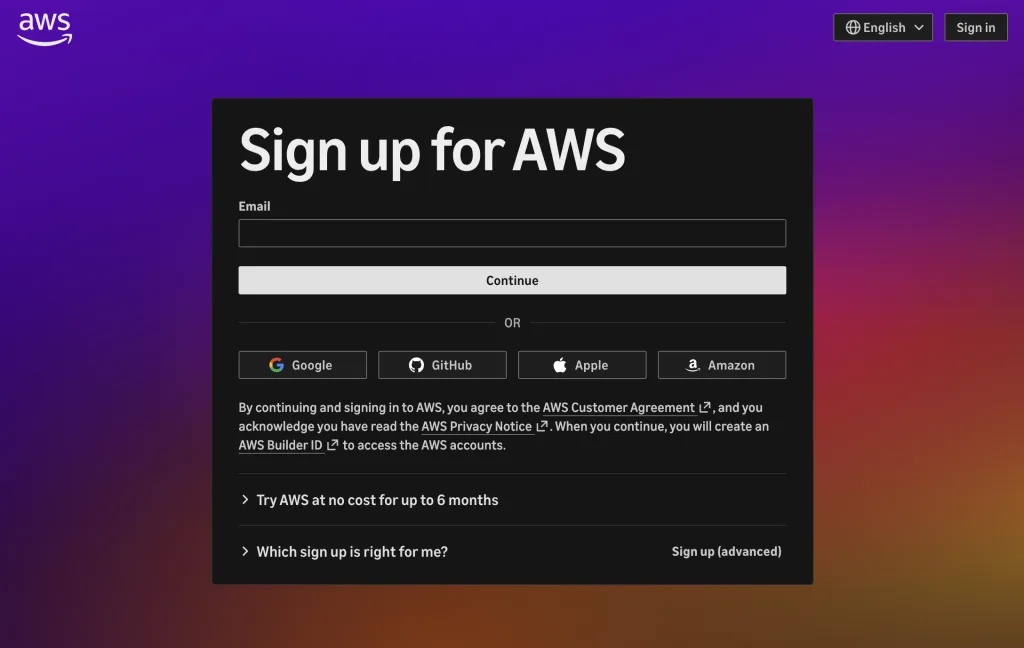
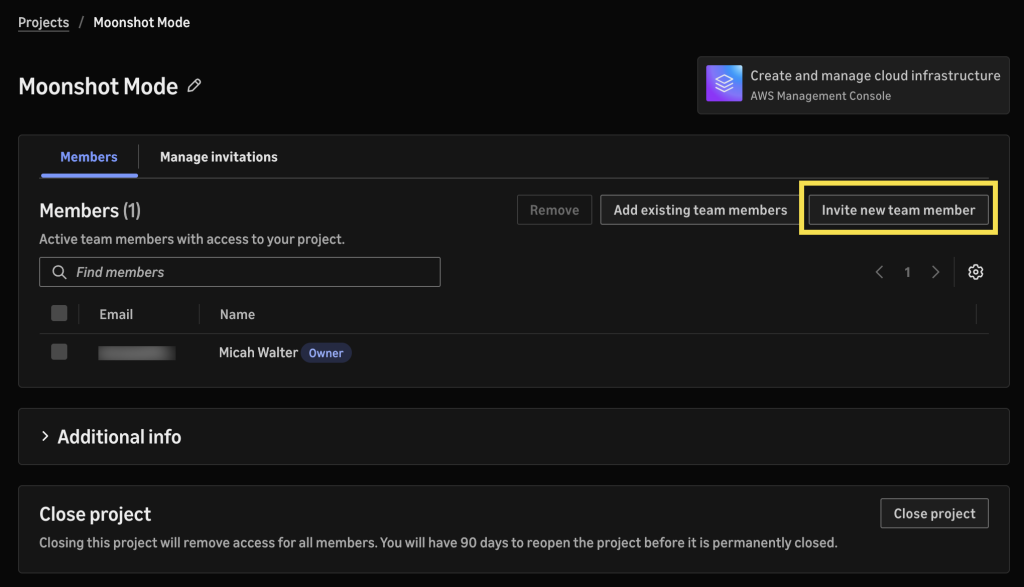
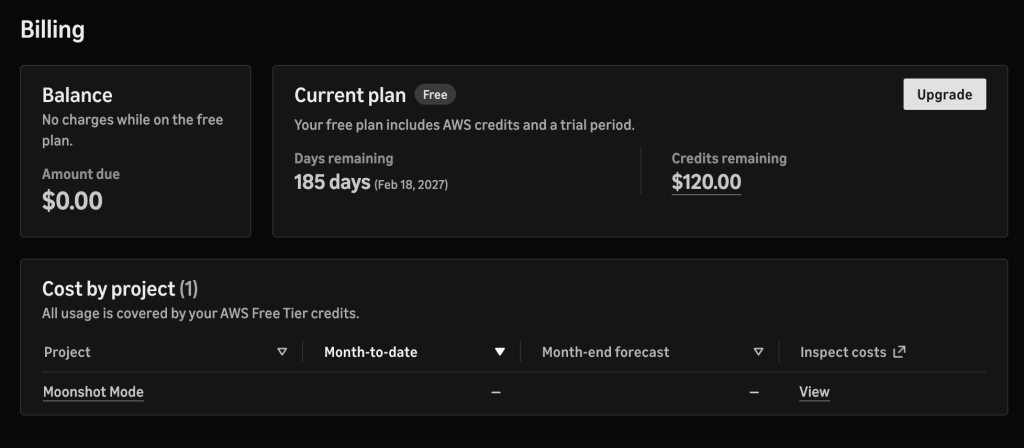
AWS is now introducing a reimagined onboarding flow tailored for builders working at the velocity of AI development. Rather than requiring upfront configuration, the new experience provides sensible defaults and streamlined administration from day one. New users can authenticate using existing identities from Google, GitHub, and Apple. Most new customers skip the credit card requirement entirely, receiving $100 in free AWS Free Tier credits to begin building. Project creation and collaboration happen immediately, without navigating AWS Identity and Access Management (IAM) or AWS IAM Identity Center—team members are invited by email and gain access only to specified projects.
How the simplified experience works
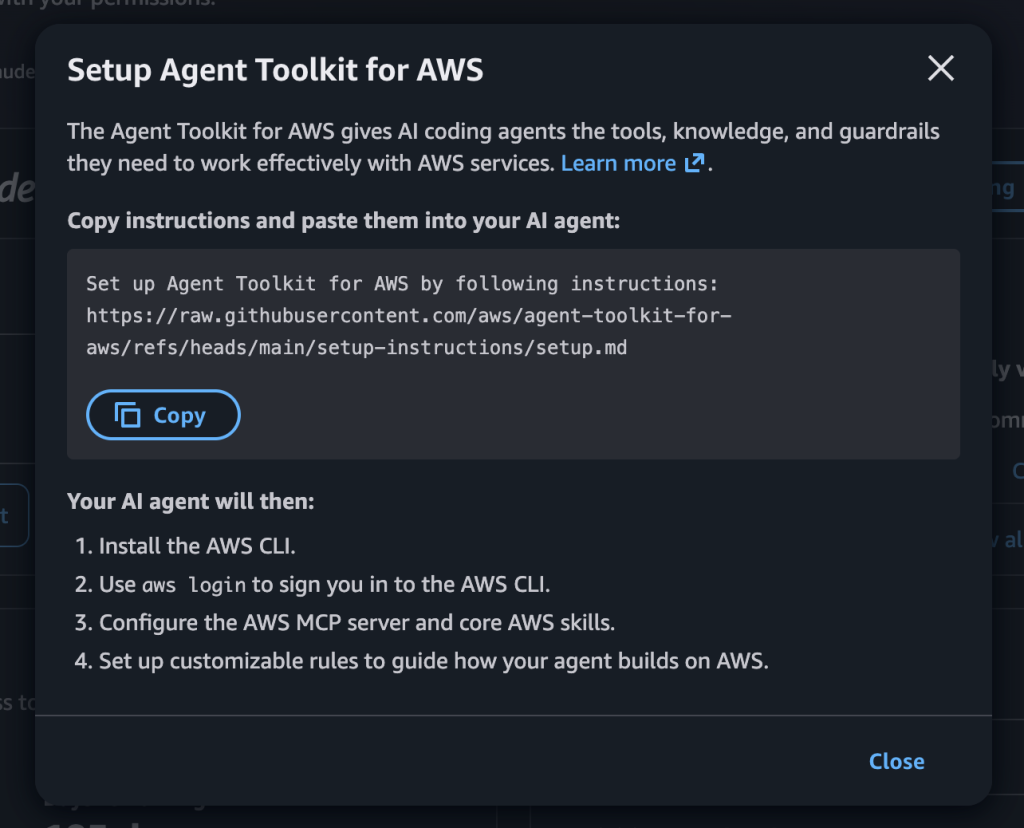
Upon signup, AWS organizes work within a project structure. Each project contains an AWS account for resource creation and team sharing settings, with additional security controls applied automatically. After authentication, users receive a prompt to paste into their coding agent, configuring it to interact with the new AWS environment. From that point, the agent can deploy resources, run workloads, and iterate following AWS best practices.
Creating additional projects requires a single click. Adding team members involves sending an email invitation; identity and access permissions are handled automatically without manual IAM user creation. Console workflows and coding agents configure service-to-resource permissions automatically, eliminating manual permission setup and troubleshooting.
When free credits are exhausted, users upgrade to a paid plan by providing payment information. Monthly spend limits can be set per project, starting at $20 per month. The limit acts as a hard ceiling—if a project is set to a $50 monthly limit and incurs $32 in charges, the user pays $32 plus taxes. AWS suggests spend limits based on observed usage patterns, which users can accept or customize. As a project approaches its limit, notifications alert the user; if the limit is reached, AWS pauses the project rather than accumulating additional charges. Resuming work requires raising the limit. Each project maintains its own spend ceiling, allowing larger budgets for scaling workloads while keeping experimental projects constrained.
Walkthrough of the new experience
Visiting aws.amazon.com and selecting Create account, then signing in with a Google account, provisioned a new project within seconds. The initial screen presented a prompt to configure a coding agent. Copying and pasting the prompt into the agent installed the AWS Command Line Interface (AWS CLI) and the Agent Toolkit for AWS, authenticated the user, and created a CLAUDE.md file with guidance for the new workflow.
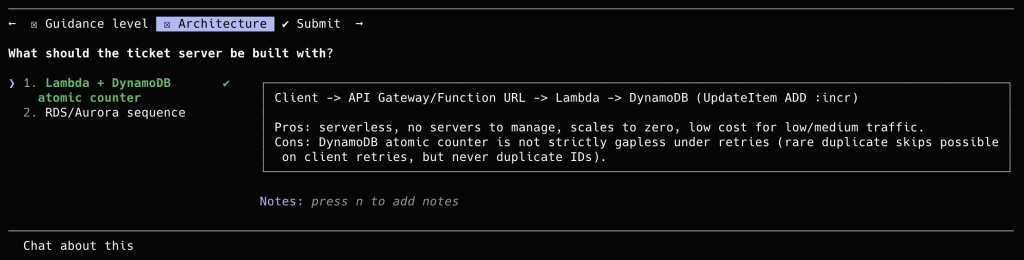
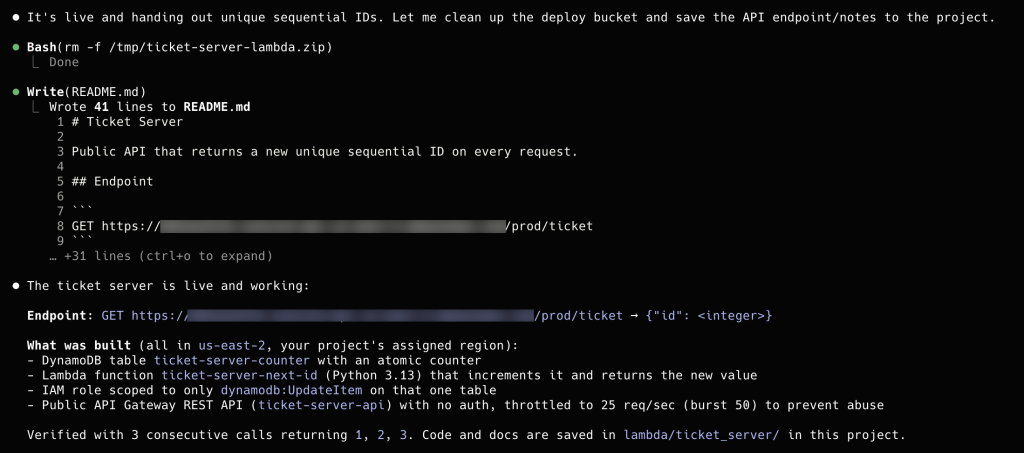
With the agent connected, a simple instruction—build an API that returns a new unique sequential ID on every request—triggered the agent to create an AWS Lambda function, an Amazon DynamoDB table, and an Amazon API Gateway API, then deploy them. No manual resource permission configuration was required. Within minutes, a public endpoint was live returning unique IDs. The project started with $100 in free credits, plus an additional $20 credited when the Lambda function deployed.
From the project dashboard, users manage settings, invite team members by email, and monitor billing in a unified interface.
Activating advanced features
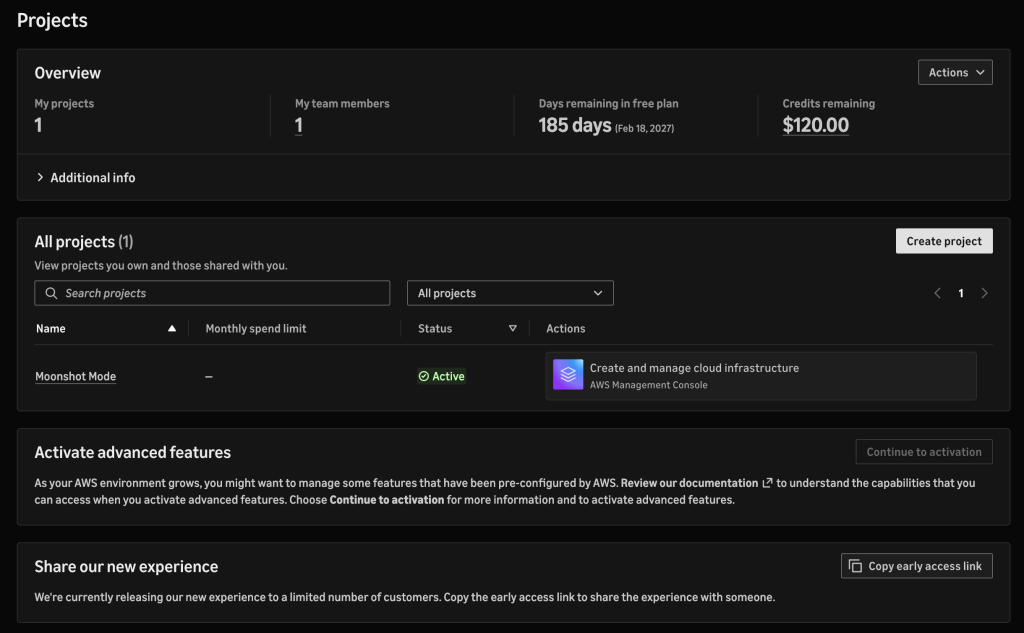
When projects require multi-Region deployment or governance capabilities such as custom policies in AWS Organizations, users can activate advanced features at no additional cost. This transition surfaces a fully configured AWS Organization built to best practices, with no migration required and no downtime. All previously configured resources remain intact and are reflected in the underlying AWS services.
Gradual rollout underway
AWS has heard from builders that initial hours spent configuring an AWS environment distract from building their product. The new simplified experience restores AWS's original premise—a place where anyone with an idea can start building—while preserving the global reach, breadth, and depth available as projects scale. The experience is rolling out gradually to new customers. AWS is soliciting feedback on the new onboarding flow.
To access the new experience, create a new AWS account at aws.amazon.com.