Microsoft has released KB5124010, a non-security preview update targeting Windows 11 versions 24H2 and 25H2, containing 46 quality improvements and new capabilities. This optional monthly release allows IT administrators and end users to evaluate enhancements and fixes ahead of their general availability in the following month's Patch Tuesday cycle.
Unlike standard cumulative updates, optional releases such as KB5124010 focus exclusively on quality enhancements and feature additions without delivering security patches. The September 2026 preview introduces Emoji 17.0 compatibility, a new accessibility feature that automatically opens applications in maximized windows, and a recovery remote management plug-in to expand Windows Recovery (WinRE) administration options.
The update addresses several Bluetooth-related problems, including a condition where the Bluetooth radio could be disabled while the Settings toggle remained enabled. Microsoft also patched a crash bug with error code 0x139 occurring during Bluetooth audio streaming and improved microphone compatibility with certain Bluetooth Classic audio devices. Performance and stability enhancements for LE Audio accessories are also included.
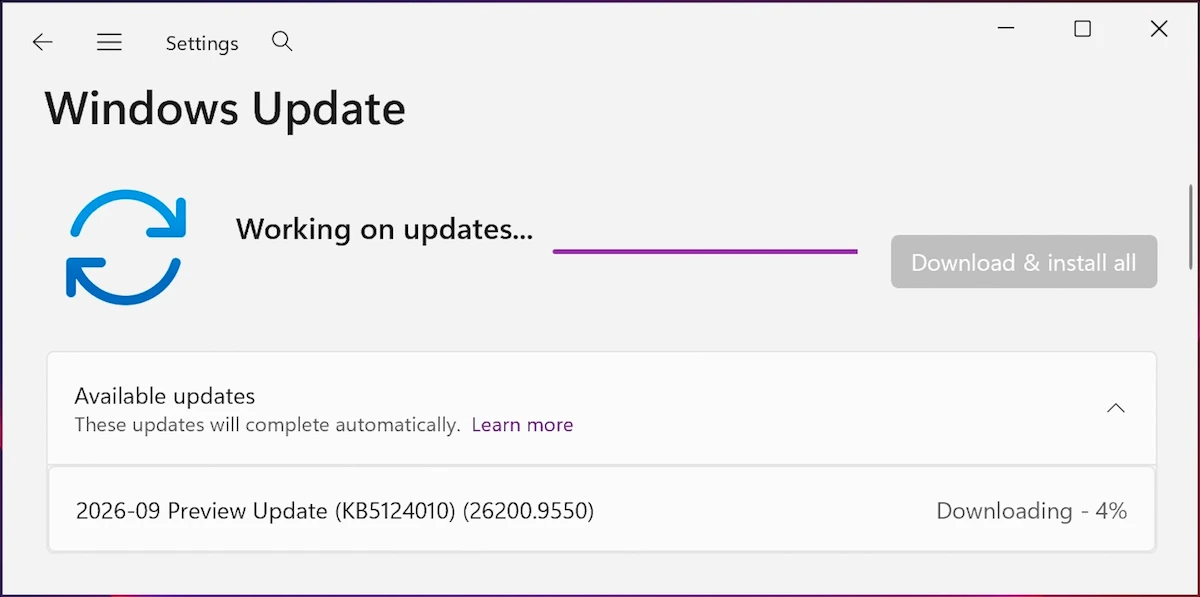
A notable addition is the ability to remap the Copilot key through Windows 11 settings, allowing users to reassign it to function as the Right Ctrl or Context Menu key instead. Installation occurs through Settings > Windows Update > Check for Updates, with users clicking the "Download and install" link unless automatic updates are already enabled. The update is also available through the Microsoft Update Catalog for manual installation.
Key features and fixes in KB5124010
Once deployed, the update advances Windows 11 25H2 and 24H2 to builds 26200.9550 and 26100.9550 respectively. The September 2026 release includes several notable enhancements:
- Slideshow wallpapers now work with multiple desktops without automatically reverting to static pictures
- Additional gesture controls for precision touchpads are available in Settings > Bluetooth & devices > Touchpad
- Camera roll backup feature in Settings allows eligible users to protect photos via OneDrive, with setup completed through a mobile QR code from the Settings Home or Accounts page
The update resolves a known issue that prevented the built-in File History backup feature from functioning properly on some systems following the September 2026 security updates. Microsoft has also removed PC-to-PC Migration, the legacy tool for transferring files, settings, and preferences to new devices, recommending Windows Backup with OneDrive as the replacement migration method.
Microsoft notes that KB5124010 represents the final preview update for Windows 11 24H2 before the version reaches end of support in October 2026.