
Kali Linux has pushed out version 2026.3, marking the third update cycle this year. The release introduces half a dozen new security tools, improvements to the desktop environment, overhauled build infrastructure, and updates to 126 existing packages alongside a kernel upgrade from 6.19 to 7.1.5.
The distribution targets ethical hackers and security professionals conducting red-team operations, penetration tests, security audits, and network investigations. It runs as either a standalone operating system or live environment, with support spanning traditional hardware, Raspberry Pi single-board computers, and Android devices through Kali NetHunter.
Six new tools included
The new toolkit additions are:
- dalfox — An automation-focused XSS scanner with open-source code
- katana — A next-generation web crawling and spidering framework
- qsreplace — A utility that accepts URLs via stdin and replaces query string values
- rustscan — A contemporary port-scanning tool
- sdrangel — A Qt-based software-defined radio interface supporting multiple hardware platforms
- snaffler-ng — An SMB share scanner designed to locate credentials and sensitive information
Desktop environment enhancements
The release integrates KDE Plasma 6.7 alongside a refreshed icon set. The desktop environment update delivers performance gains, optimizations for Intel GPU power consumption, and workflow refinements.
Notable additions include per-screen virtual desktops, allowing users to organize separate workspaces on a single display for different applications. The Kali development team noted that "Moving around those desktops is also quicker from the Overview, while support for additional Wayland protocols and portals continues to improve the experience on modern Linux setups."
Network administration gains a duplication feature for configurations, reducing setup time when managing similar connections. The System Monitor component has received additional refinements. According to the developers, "Network connections can now be duplicated, which can save some time when working with several similar network configurations, and System Monitor has received further refinements."
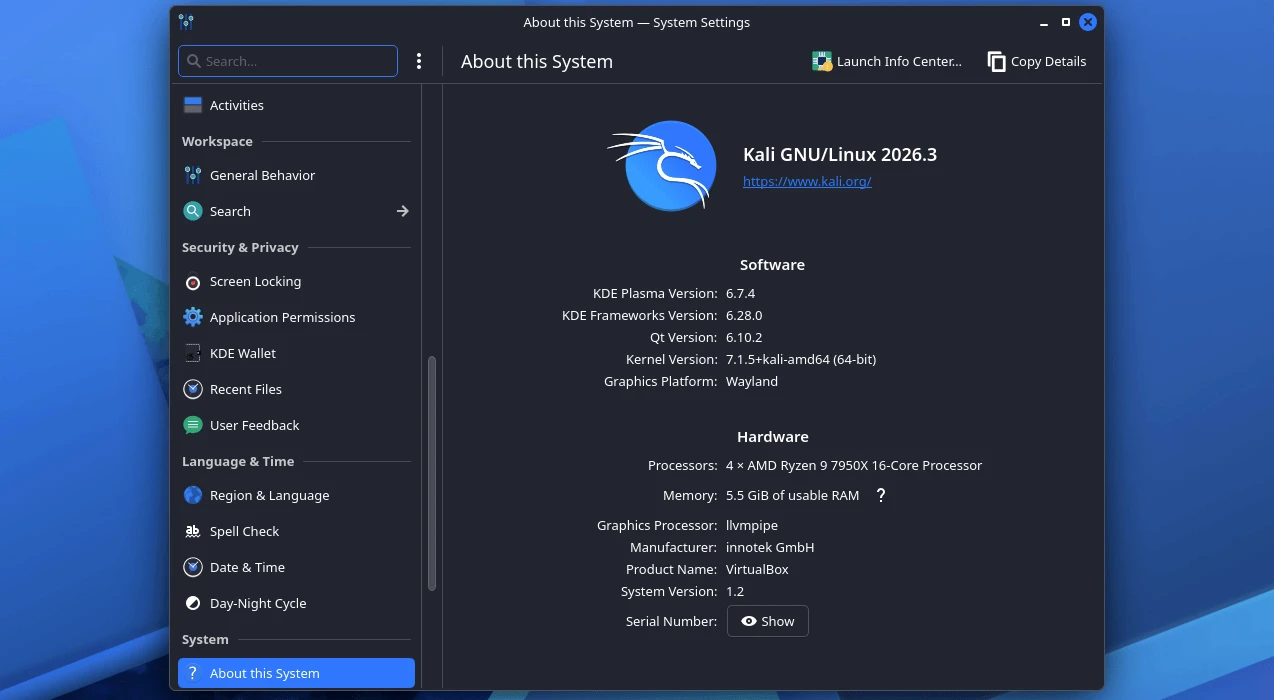
Build infrastructure overhaul
The build scripts powering official Kali image generation have been redesigned to support containerized workflows. Both Docker and Podman container engines are now supported, with standardized command-line interfaces and consistent structure across all platforms.
The Kali team explained: "We've brought consistency to our build-scripts across platforms. Each one now has the same features, command-line arguments, structure and layout (where possible), and the same look and feel."
Container-based builds are enabled through a build-in-container.sh script that automatically detects the available container engine, provisions a build environment, and executes the compilation process inside it. The team intends to complete refreshes of all remaining build scripts before the 2026.4 release, with plans to further automate the build and deployment workflows.
Installation and upgrade instructions
Existing Kali installations can be upgraded using the following commands:
echo "deb http://http.kali.org/kali kali-rolling main contrib non-free non-free-firmware" | sudo tee /etc/apt/sources.list
sudo apt update && sudo apt -y full-upgrade
cp -vrbi /etc/skel/. ~/
[ -f /var/run/reboot-required ] && sudo reboot -f
Users running Kali on Windows Subsystem for Linux should upgrade to WSL 2 for improved graphical application support. Check your WSL version by running wsl -l -v in a Windows Command Prompt.
To verify a successful upgrade, execute grep VERSION /etc/os-release. Fresh installations and live distributions are available as ISO downloads from the Kali website, which also hosts the complete changelog for this release.