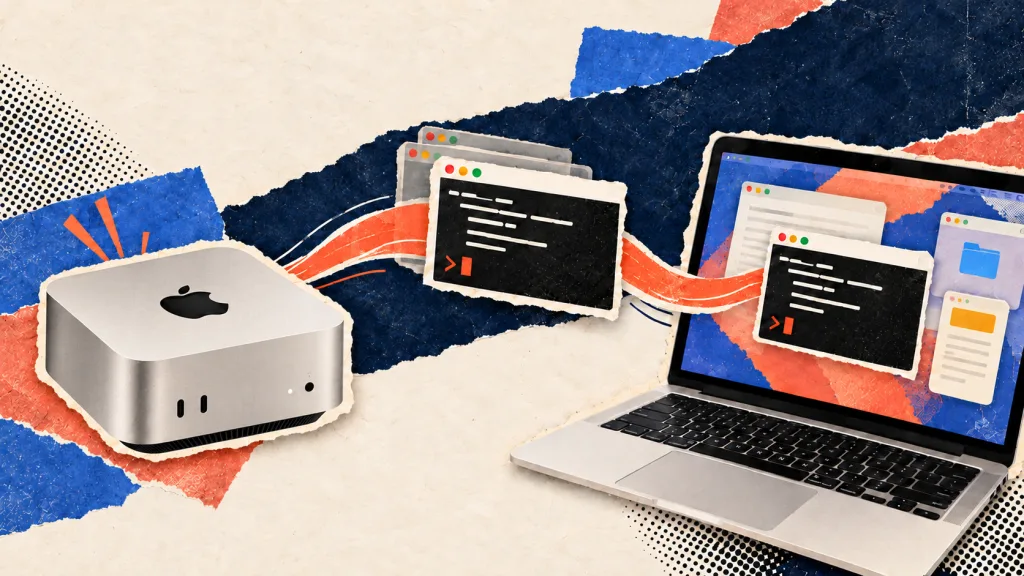
As more developers operate Mac Minis continuously to power AI agents, managing remote access to those machines has become a practical concern. Beam, a fresh macOS application, addresses this by enabling users to pull individual windows from a remote Mac onto their local machine, where they function as native applications rather than requiring full desktop sharing.
Built by Hiten Shah, a serial entrepreneur who previously founded Crazy Egg and KISSmetrics, alongside Sam Asante under the company Noats, Beam debuted on Product Hunt this week. The tool targets the growing use case of headless Mac Minis tucked away and running AI workloads.
The workflow differs markedly from traditional remote access. Rather than launching Screen Sharing to navigate an entire remote desktop, users select a specific window—such as a Terminal or browser tab where an agent is operating—and it appears on their local Mac. The window receives its own Dock icon, integrates with Command+Tab switching, and supports resizing, keyboard shortcuts, file dragging, and local audio playback. The underlying application remains on the original machine. When a single window proves insufficient, Beam can also pull over a full display or the entire Mac.
Shah outlined his motivation in the Product Hunt announcement, describing setups where Macs run agents and local models "with work continuing even when nobody's sitting in front of them." Accessing those machines typically demanded Screen Sharing and navigating a second desktop environment. Beam streamlines this to focus on just the window that matters.
Technical requirements and connectivity
Beam operates exclusively on macOS and requires both machines to have Apple Silicon, macOS Sonoma or later, and Beam installed. The two Macs discover each other either on the same Wi-Fi network or anywhere via Tailscale.
https://www.linkedin.com/embed/feed/update/urn:li:ugcPost:7517966696851103745?collapsed=1
According to the company, windows, keystrokes, clipboard data, and audio transmit directly between Macs with encryption and never route through its servers. Hidden windows and password managers remain invisible in the window picker for security.
For machines without Beam, a share link opens a single window in any browser as view-only by default, with control available if granted. These links expire between one hour and one week.
Pricing and roadmap
The pricing structure varies by use case. Hosting a Mac and joining a share link carry no cost. Using your own Mac costs nothing for the first 20 minutes daily; beyond that, pricing runs $12 monthly, $84 annually, or $199 for a lifetime license.
Asante announced on Product Hunt that native iOS and Android applications are in development.
The Mac Mini as infrastructure
Beam arrives as the Mac Mini solidifies its role in agent infrastructure. The shift began with OpenClaw, with competitors like Perplexity following suit. Apple itself acknowledged agentic workloads during its April earnings call.
The New Stack's Janakiram MSV documented this transition early, observing in May that "the Mac mini just became infrastructure."
Competitive landscape
Beam is not the first solution to tackle this challenge. Astropad's Workbench, tested over several weeks, provided remote agent access through desktop and iOS applications, betting on mobile as the primary access point. Beam instead positions the window as the fundamental unit of remote interaction rather than the screen. Jump Desktop, Screens, and Apple's built-in Screen Sharing all offer conventional alternatives.
Yet the underlying problem continues to expand. The Mac stored in a closet or mounted on a rack increasingly represents a standard component of developer infrastructure. Beam's philosophy rejects treating it as a secondary desktop entirely.