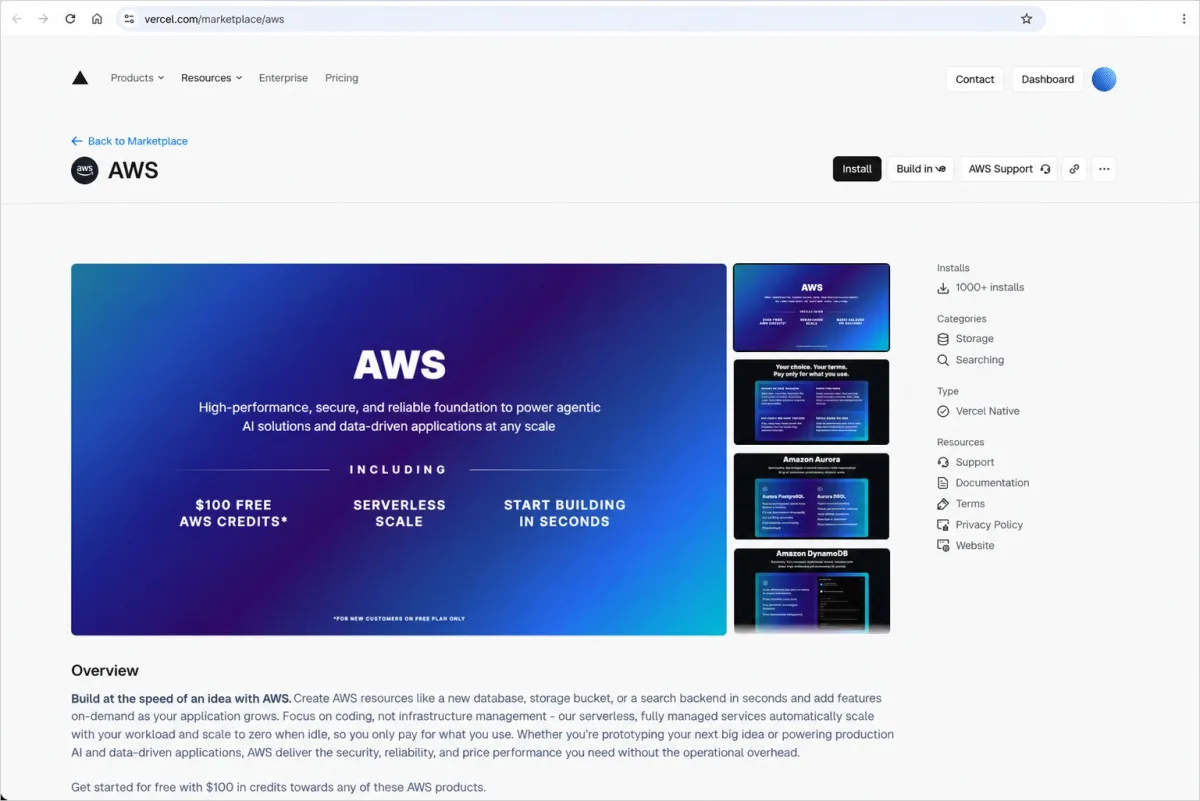
Web and AI application developers on Vercel can now provision Amazon S3 storage resources through the Vercel Marketplace and v0, combining S3's durability, scalability, and performance with Vercel's automated provisioning workflow. The integration covers three workload categories: general-purpose object storage, analytics via S3 Tables, and vector storage through S3 Vectors.
Why this matters
Millions of developers deploy applications on Vercel, but storage provisioning previously required manual configuration in the AWS Management Console, including policy setup and credential handling. The new integration brings S3 directly into the Vercel developer experience, automating resource provisioning and connection setup. Combined with existing Vercel integrations for Amazon Aurora, Amazon DynamoDB, and Amazon OpenSearch Serverless, developers can now assemble a complete application stack—from database through object, vector, and table storage—within a single AWS account and billing statement.
Storage options
- S3 general purpose buckets: Store unlimited objects including files, images, videos, and documents for data lakes, cloud-native applications, and mobile apps. S3 provides 99.999999999% (11 nines) data durability and 99.99% availability by default.
- S3 Tables: Fully managed Apache Iceberg storage built for analytics, featuring automated table maintenance and compaction. Tables are queryable through any Apache Iceberg REST catalog API-compatible engine, including DuckDB.
- S3 Vectors: Purpose-built vector storage and query functionality for AI applications such as retrieval-augmented generation (RAG) and semantic search, reducing vector upload, storage, and query costs by up to 90%.
Getting started
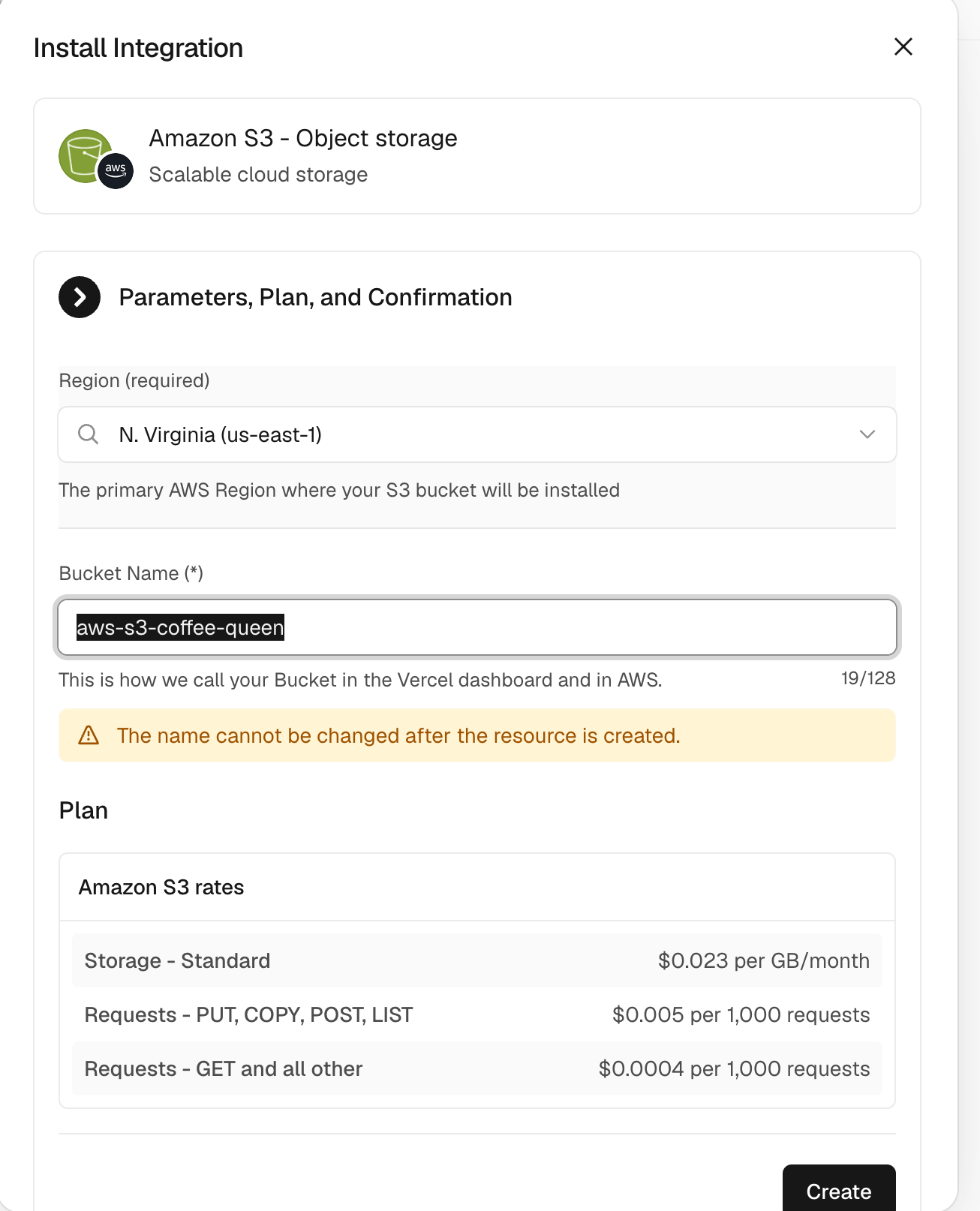
From the Vercel dashboard, navigate to the Storage tab and select Create. Choose AWS, pick the S3 bucket type, select a Region, and create the bucket. Provisioning completes within seconds.
Connect the bucket to a project and retrieve environment variables using the Vercel CLI:
vercel link
vercel env pull .env.local
The integration injects AWS_REGION, AWS_ROLE_ARN, AWS_RESOURCE_ARN, and bucket-specific names such as S3_BUCKET_NAME, S3_TABLE_BUCKET_NAME, or S3_VECTOR_BUCKET_NAME. At runtime, awsCredentialsProvider from @vercel/functions/oidc exchanges a short-lived OIDC token with AWS Security Token Service (AWS STS) for temporary credentials scoped to the resource. Static keys are never stored.
Object storage with S3
This Next.js route demonstrates uploading a file to a general purpose bucket:
import { S3Client, PutObjectCommand } from "@aws-sdk/client-s3";
import { awsCredentialsProvider } from "@vercel/functions/oidc";

const s3 = new S3Client({
  region: process.env.AWS_REGION,
  credentials: awsCredentialsProvider({
    roleArn: process.env.AWS_ROLE_ARN,
  }),
});

export async function POST(request) {
  const formData = await request.formData();
  const file = formData.get("file");

  await s3.send(new PutObjectCommand({
    Bucket: process.env.S3_BUCKET_NAME,
    Key: file.name,
    Body: Buffer.from(await file.arrayBuffer()),
    ContentType: file.type,
  }));

  return Response.json({ success: true });
}
Use ListObjectsV2Command and GetObjectCommand with the same client to list and retrieve objects.
Analytics with S3 Tables
S3 Tables provide storage purpose-built for analytics, automatically optimizing query performance as data volumes increase. They deliver fully managed Apache Iceberg tables with automated maintenance and compaction, compatible with any Apache Iceberg REST Catalog-compliant engine. DuckDB can run inside a Vercel Function for lightweight queries. This example attaches the table bucket by its ARN and executes an aggregate query:
import { DuckDBInstance } from "@duckdb/node-api";
import { awsCredentialsProvider } from "@vercel/functions/oidc";

const creds = await awsCredentialsProvider({
  roleArn: process.env.AWS_ROLE_ARN,
})();

const db = await DuckDBInstance.create();
const conn = await db.connect();

await conn.run("INSTALL aws; LOAD aws; INSTALL httpfs; LOAD httpfs; INSTALL iceberg; LOAD iceberg;");

await conn.run(`
  CREATE SECRET s3cred (
    TYPE s3,
    KEY_ID '${creds.accessKeyId}',
    SECRET '${creds.secretAccessKey}',
    SESSION_TOKEN '${creds.sessionToken}',
    REGION '${process.env.AWS_REGION}'
  );
`);

await conn.run(`
  ATTACH '${process.env.AWS_RESOURCE_ARN}' AS s3tables (
    TYPE iceberg,
    ENDPOINT_TYPE s3_tables
  );
`);

const rows = await (await conn.run(`
  SELECT town_city, AVG(median_price) AS avg_price
  FROM s3tables."${process.env.S3_TABLES_NAMESPACE}".town_monthly
  GROUP BY town_city
  ORDER BY avg_price DESC
  LIMIT 10
`)).getRowObjects();
When running DuckDB inside a Next.js route, add @duckdb/node-api to serverExternalPackages in next.config.mjs to prevent native bindings from being bundled.
Vector search with S3 Vectors
S3 Vectors deliver cost-optimized vector storage purpose-built for AI agents, AI inference, and semantic search of content stored in Amazon S3. The service provides native vector storage and querying without requiring a separate vector database, though it does not generate embeddings. Create embeddings with your chosen model, then query the index for closest matches:
import { S3VectorsClient, QueryVectorsCommand } from "@aws-sdk/client-s3vectors";
import { awsCredentialsProvider } from "@vercel/functions/oidc";

const vectors = new S3VectorsClient({
  region: process.env.AWS_REGION,
  credentials: awsCredentialsProvider({
    roleArn: process.env.AWS_ROLE_ARN,
  }),
});

export async function POST(request) {
  const { embedding } = await request.json();

  const result = await vectors.send(new QueryVectorsCommand({
    vectorBucketName: process.env.S3_VECTOR_BUCKET_NAME,
    indexName: "documents",
    queryVector: { float32: embedding },
    topK: 5,
    returnMetadata: true,
  }));

  return Response.json({ matches: result.vectors });
}
Building with v0 by Vercel
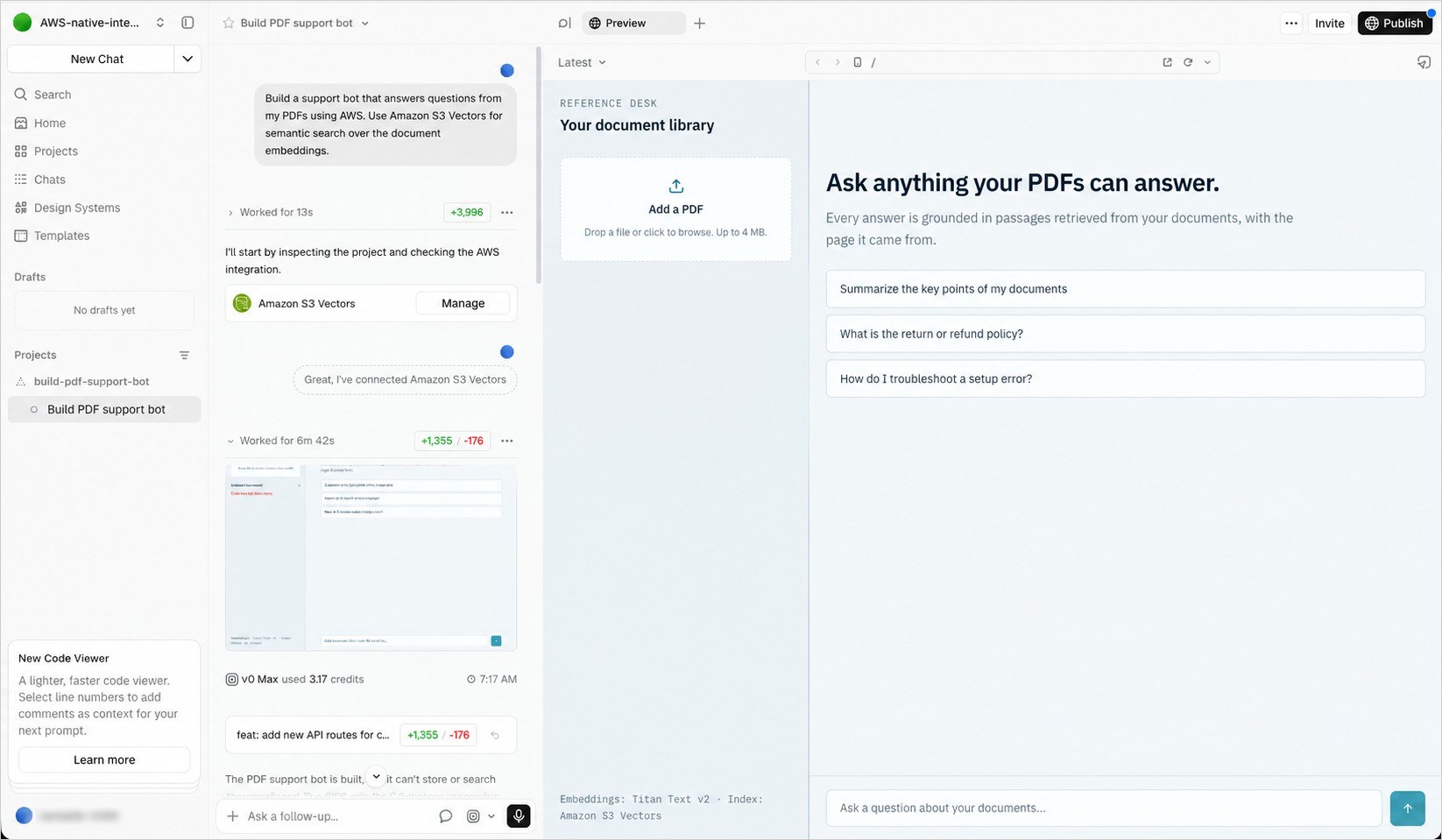
From v0, describe what you want to build and it provisions the appropriate resource. Request "a photo gallery where users upload images using AWS" to get a general purpose bucket, "a support bot that answers questions from my PDFs" to get S3 Vectors, or "an analytics dashboard for my clickstream data" to get S3 Tables. v0 then configures the connection and generates working code.
Combining S3 with AWS databases
All AWS services on Vercel share the same account and authentication model, enabling combination with no additional setup. For example, store file metadata in Aurora with files in S3, or store document text in DynamoDB with embeddings in S3 Vectors for RAG retrieval.
Using Vercel with your AWS account
Create a new AWS account through the integration, which supports S3 features for building and testing. Alternatively, link an existing AWS account to access your full set of S3 and AWS capabilities while maintaining current billing. When linking an existing account, Vercel works only with new buckets created through the platform. Since every S3 resource resides in your own AWS account, you retain AWS-native tooling and a single management location for storage.
Pricing and availability
The integration carries no charge; you pay standard Amazon S3 pricing for resources used. New AWS accounts created through Vercel receive $100 in credits valid for six months. Amazon S3, including S3 Tables and S3 Vectors, is available from v0 and the Vercel Marketplace in all commercial AWS Regions supported by Vercel.